How to use The Ring
1. Make sure that all the cards you want to use with your ring have been added to the app.
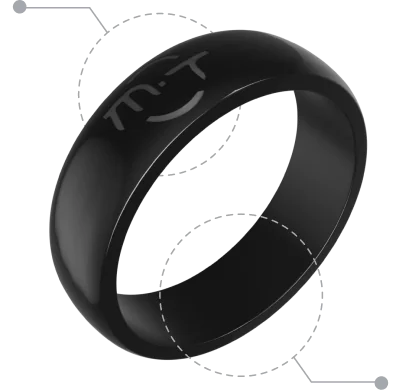
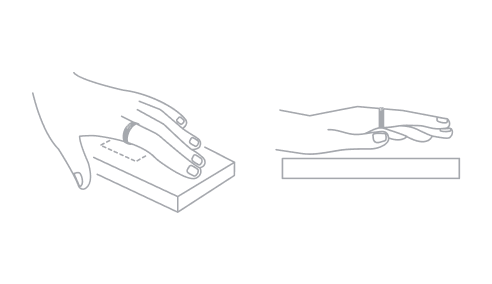
2. To use with your ring, tap the top part of your ring (where the Many Touches logo is located) on the card reader, or the bottom part of your ring on the payment terminal.
3. The card reader or payment terminal should process the information from your ring as if it was a physical card.
4. If the card reader or payment terminal requires a signature or personal identification number (PIN), follow the prompts on the device to complete the transaction.